Convert between XLS, XLSX, ODS, CSV and HTML files in C# and VB.NET
The following example shows how you can convert your spreadsheets between XLS, XLSX, XLSB, ODS, CSV, XML and HTML file formats by using only the GemBox.Spreadsheet .NET library.
Steps for converting files
You can do a basic conversion with just a few lines of code. You only need an IDE like Visual Studio or JetBrains Rider and .NET Framework, .NET Core, or any other platform that implements the .NET Standard.
Follow these steps to convert from one file format to another:
Create or use an existing C# or VB.NET project.
Download and install GemBox.Spreadsheet Setup.
Add a reference to GemBox.Spreadsheet.dll within your C# or VB.NET project.
Optionally, you can add GemBox.Spreadsheet Nuget package to your C# or VB.NET project.
Execute the C#/VB.NET code below.
Convert Excel files online
You can test converting your Excel files with the interactive example below. Just upload your file, choose the output file format, click Run Example, and download the generated file.
The C#/VB.NET code will be compiled, and your file will be converted using only the .NET framework and the GemBox.Spreadsheet library.
using GemBox.Spreadsheet;

// If you are using the Professional version, enter your serial key below.
SpreadsheetInfo.SetLicense("FREE-LIMITED-KEY");

// Load Workbook from XLSX, XLS, ODS, CSV or HTML format
// and save it to XLSX, XLS, ODS, CSV, HTML, PDF, XPS or
// image (PNG, JPG, etc.).
ExcelFile.Load("ComplexTemplate.xlsx").Save("Convert.xlsx");
Imports GemBox.Spreadsheet
Module Program
Sub Main()
' If you are using the Professional version, enter your serial key below.
SpreadsheetInfo.SetLicense("FREE-LIMITED-KEY")
' Load Workbook from XLSX, XLS, ODS, CSV or HTML format
' and save it to XLSX, XLS, ODS, CSV, HTML, PDF, XPS or
' image (PNG, JPG, etc.).
ExcelFile.Load("ComplexTemplate.xlsx").Save("Convert.xlsx")
End Sub
End ModuleSupported file formats
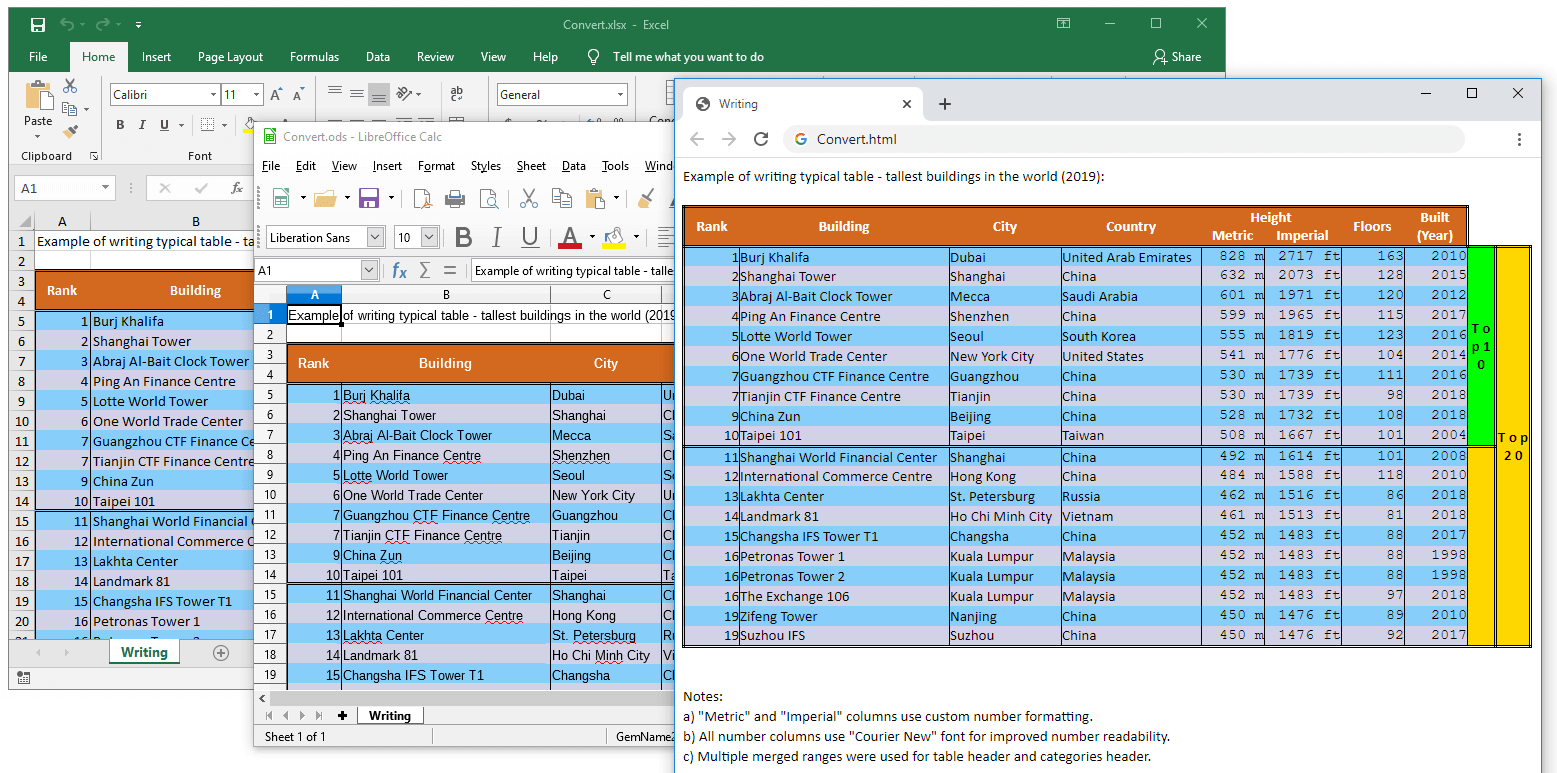
GemBox.Spreadsheet supports converting between the following file formats:
Input: XLSX, XLS, XLSB, ODS, CSV, TXT, XLSM, XLTX, XLTM, XML, HTML, MHTML.
Output: XLSX, XLS, XLSB, ODS, CSV, TXT, XLSM, XLTX, XLTM, HTML, MHTML, PDF, XPS, PNG, JPEG, GIF, BMP, TIFF, WMP, SVG, EMF.
For more details about supported file formats in GemBox.Spreadsheet, see the Supported File Formats help page.