Print and view options in Excel files in C# and VB.NET
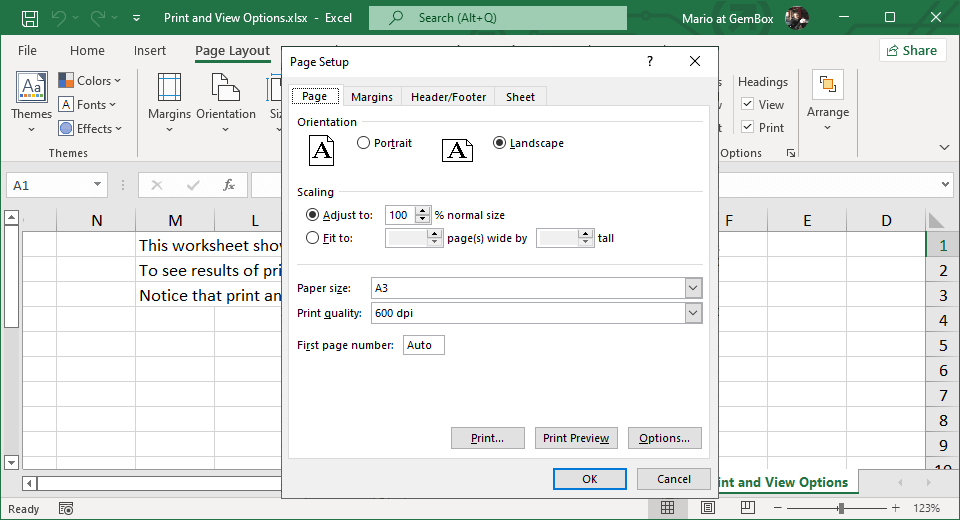
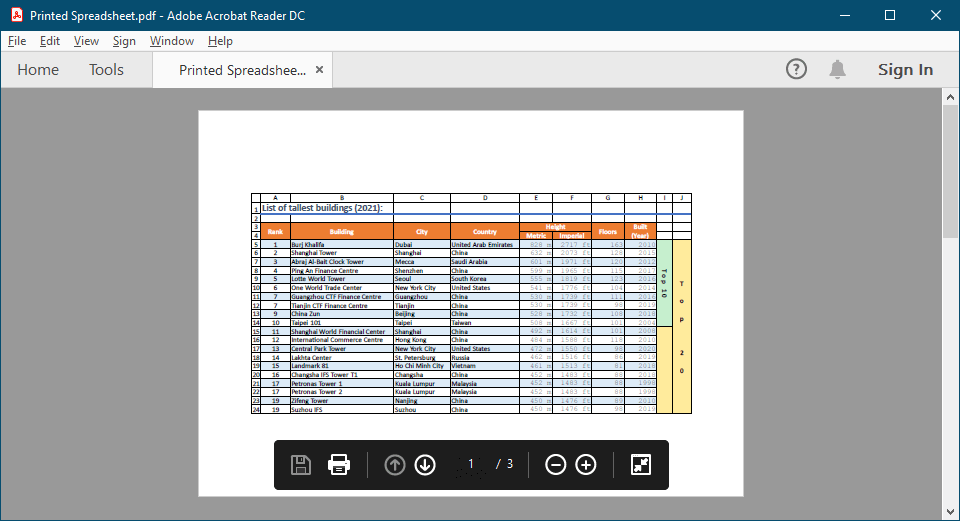
The following example shows how to specify Excel worksheet print and view options in your C# and VB.NET applications, using the GemBox.Spreadsheet library.
using GemBox.Spreadsheet;

// If using the Professional version, put your serial key below.
SpreadsheetInfo.SetLicense("FREE-LIMITED-KEY");

var workbook = new ExcelFile();
var worksheet = workbook.Worksheets.Add("Print and View Options");

worksheet.Cells["M1"].Value = "This worksheet shows how to set various print related and view related options.";
worksheet.Cells["M2"].Value = "To see results of print options, go to Print and Page Setup dialogs in MS Excel.";
worksheet.Cells["M3"].Value = "Notice that print and view options are worksheet based, not workbook based.";

// Print options:
var printOptions = worksheet.PrintOptions;
printOptions.PrintGridlines = true;
printOptions.PrintHeadings = true;
printOptions.Portrait = false;
printOptions.PaperType = PaperType.A3;
printOptions.NumberOfCopies = 5;

// View options:
worksheet.ViewOptions.FirstVisibleColumn = 3;
worksheet.ViewOptions.ShowColumnsFromRightToLeft = true;
worksheet.ViewOptions.Zoom = 123;

// Set print area.
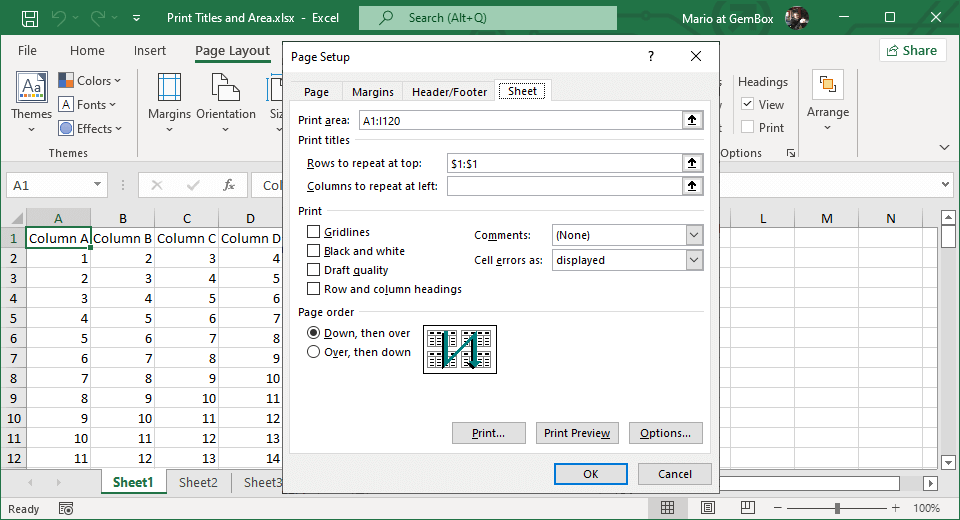
worksheet.NamedRanges.SetPrintArea(worksheet.Cells.GetSubrange("E1", "U7"));

workbook.Save("Print and View Options.xlsx");
Imports GemBox.Spreadsheet
Module Program
Sub Main()
' If using the Professional version, put your serial key below.
SpreadsheetInfo.SetLicense("FREE-LIMITED-KEY")
Dim workbook As New ExcelFile()
Dim worksheet = workbook.Worksheets.Add("Print and View Options")
worksheet.Cells("M1").Value = "This worksheet shows how to set various print related and view related options."
worksheet.Cells("M2").Value = "To see results of print options, go to Print and Page Setup dialogs in MS Excel."
worksheet.Cells("M3").Value = "Notice that print and view options are worksheet based, not workbook based."
' Print options:
Dim printOptions = worksheet.PrintOptions
printOptions.PrintGridlines = True
printOptions.PrintHeadings = True
printOptions.Portrait = False
printOptions.PaperType = PaperType.A3
printOptions.NumberOfCopies = 5
' View options:
worksheet.ViewOptions.FirstVisibleColumn = 3
worksheet.ViewOptions.ShowColumnsFromRightToLeft = True
worksheet.ViewOptions.Zoom = 123
' Set print area.
worksheet.NamedRanges.SetPrintArea(worksheet.Cells.GetSubrange("E1", "U7"))
workbook.Save("Print and View Options.xlsx")
End Sub
End ModuleOutput