Convert a PowerPoint presentation to an encrypted PDF in C# and VB.NET
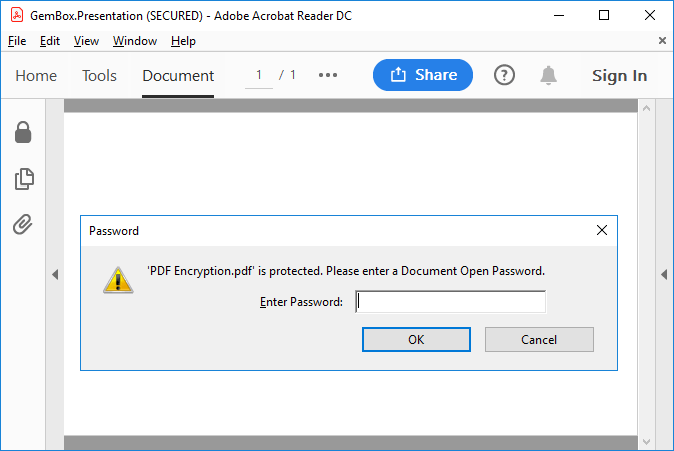
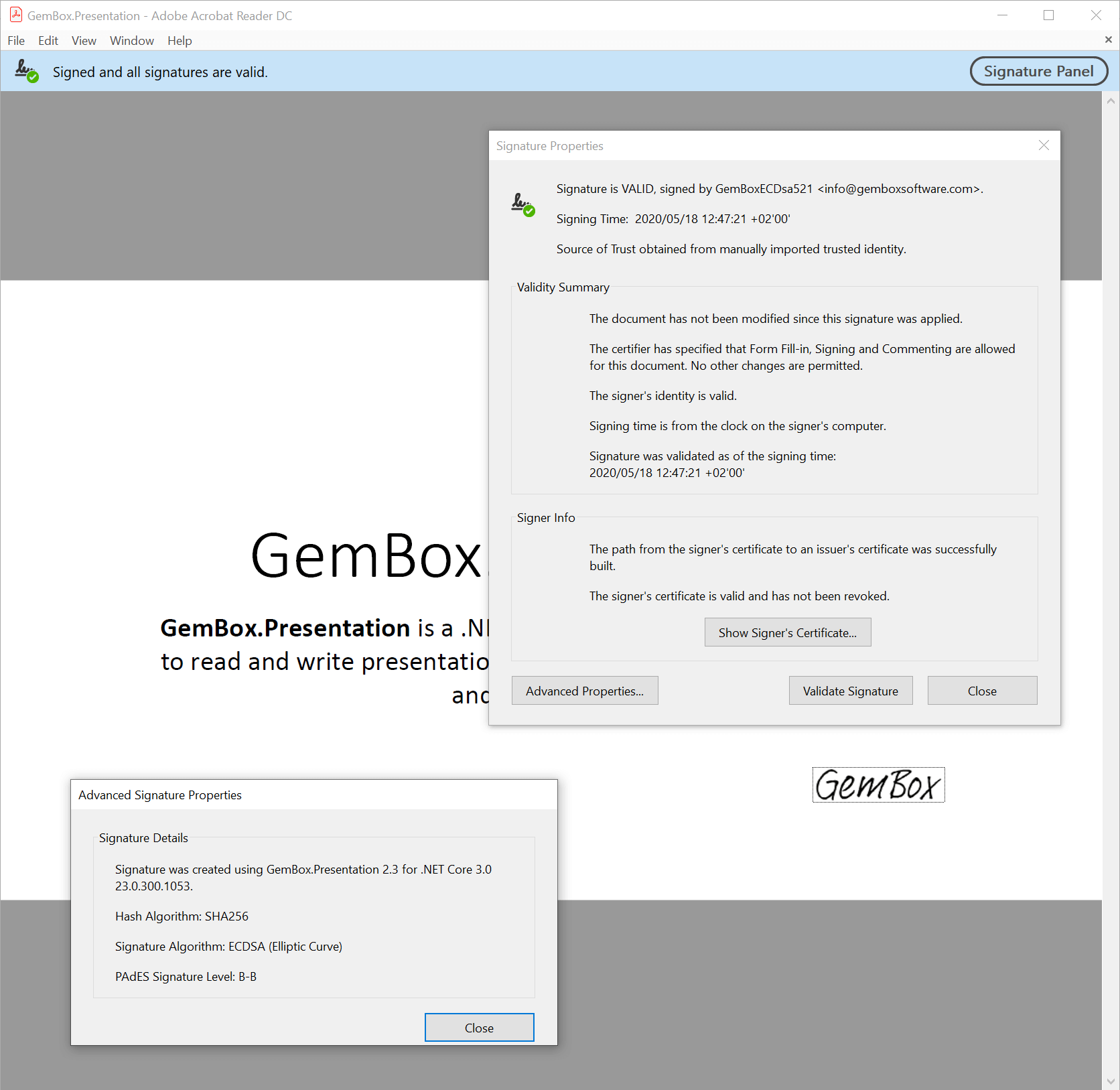
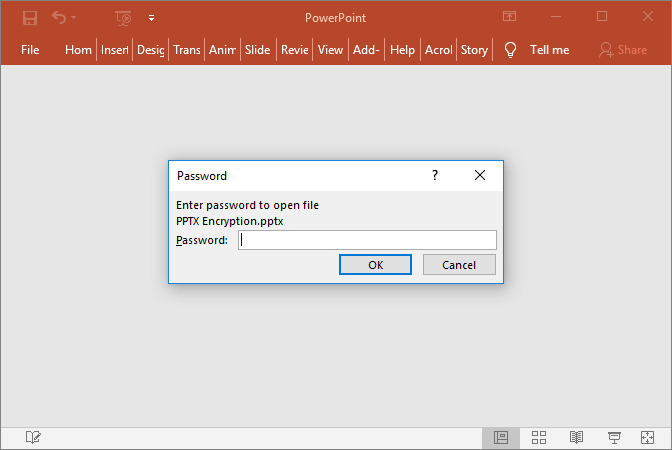
The following example shows how to use the GemBox.Presentation library in C# and VB.NET to convert any presentation to an encrypted PDF file with restricted permissions which requires a password to be decrypted, viewed and, optionally, modified.
using GemBox.Presentation;

// If using the Professional version, put your serial key below.
ComponentInfo.SetLicense("FREE-LIMITED-KEY");

var presentation = PresentationDocument.Load("Reading.pptx");

string password = "pass";
string ownerPassword = "";

var options = new PdfSaveOptions()
{
    DocumentOpenPassword = password,
    PermissionsPassword = ownerPassword,
    Permissions = PdfPermissions.None
};

presentation.Save("PDF Encryption.pdf", options);
Imports GemBox.Presentation
Module Program
Sub Main()
' If using the Professional version, put your serial key below.
ComponentInfo.SetLicense("FREE-LIMITED-KEY")
Dim presentation = PresentationDocument.Load("Reading.pptx")
Dim password As String = "pass"
Dim ownerPassword As String = ""
Dim options = New PdfSaveOptions() With
{
.DocumentOpenPassword = password,
.PermissionsPassword = ownerPassword,
.Permissions = PdfPermissions.None
}
presentation.Save("PDF Encryption.pdf", options)
End Sub
End ModuleOutput