Convert PowerPoint files to PDF in C# and VB.NET
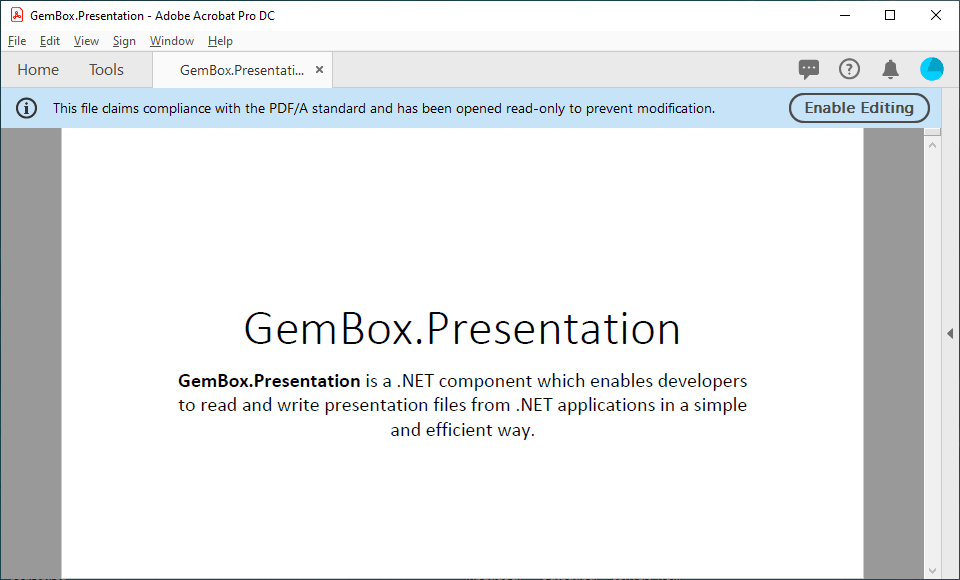
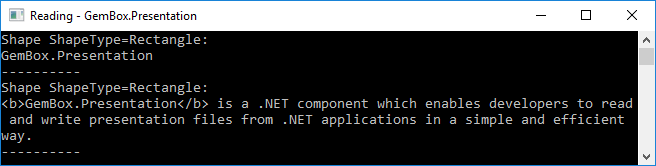
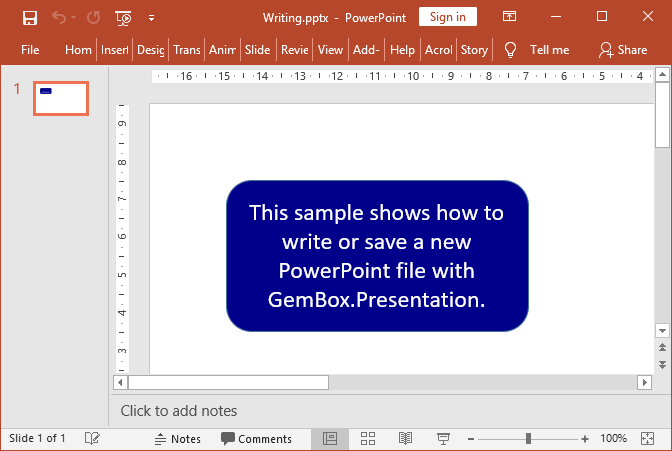
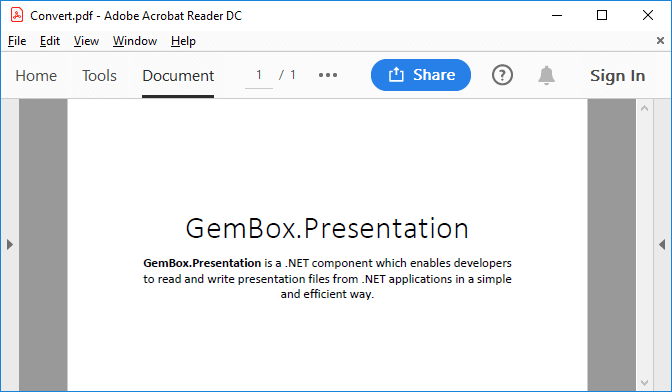
Convert PPT or PPTX PowerPoint files to PDF and PDF/A formats using the GemBox.Presentation .NET library in C# and VB.NET. The following example shows how to convert a PowerPoint presentation to a PDF using the default For both reading and writing, you can either provide the file's path or a stream by using one The following example shows how to convert a PowerPoint presentation to PDF/A using You can find the full list of formats on the Supported File Formats help page.Convert a PowerPoint presentation to a PDF
LoadOptions and SaveOptions settings.using GemBox.Presentation;
class Program
{
static void Main()
{
// If using the Professional version, put your serial key below.
ComponentInfo.SetLicense("FREE-LIMITED-KEY");
var presentation = PresentationDocument.Load("%InputFileName%");
// In order to achieve the conversion of a loaded PowerPoint file to PDF,
// we just need to save a PresentationDocument object to desired
// output file format.
presentation.Save("Convert.%OutputFileType%");
}
}
Imports GemBox.Presentation

Module Program

    Sub Main()

        ' If using the Professional version, put your serial key below.
        ComponentInfo.SetLicense("FREE-LIMITED-KEY")

        Dim presentation = PresentationDocument.Load("%InputFileName%")

        ' In order to achieve the conversion of a loaded PowerPoint file to PDF,
        ' we just need to save a PresentationDocument object to desired
        ' output file format.
        presentation.Save("Convert.%OutputFileType%")

    End Sub

End Module
PresentationDocument.Load or PresentationDocument.Save methods.Convert a PowerPoint presentation to a PDF/A
PdfConformanceLevel to specify the conformance level and version.using GemBox.Presentation;
class Program
{
static void Main()
{
// If using the Professional version, put your serial key below.
ComponentInfo.SetLicense("FREE-LIMITED-KEY");
PdfConformanceLevel conformanceLevel = %PdfConformanceLevel%;
// Load PowerPoint file.
var presentation = PresentationDocument.Load("%InputFileName%");
// Create PDF save options.
var options = new PdfSaveOptions()
{
ConformanceLevel = conformanceLevel
};
// Save to PDF file.
presentation.Save("Output.pdf", options);
}
}
Imports GemBox.Presentation

Module Program

    Sub Main()

        ' If using the Professional version, put your serial key below.
        ComponentInfo.SetLicense("FREE-LIMITED-KEY")

        Dim conformanceLevel As PdfConformanceLevel = %PdfConformanceLevel%

        ' Load PowerPoint file.
        Dim presentation = PresentationDocument.Load("%InputFileName%")

        ' Create PDF save options.
        Dim options As New PdfSaveOptions() With
        {
            .ConformanceLevel = conformanceLevel
        }

        ' Save to PDF file.
        presentation.Save("Output.pdf", options)

    End Sub
End Module