Svelte PDF viewer
Display PDFs in your Svelte applications
GemBox.PdfViewer is a customizable JavaScript UI component that makes it possible for you – with just a few lines of code – to create a Svelte PDF viewer that displays PDF files in your Svelte web apps.
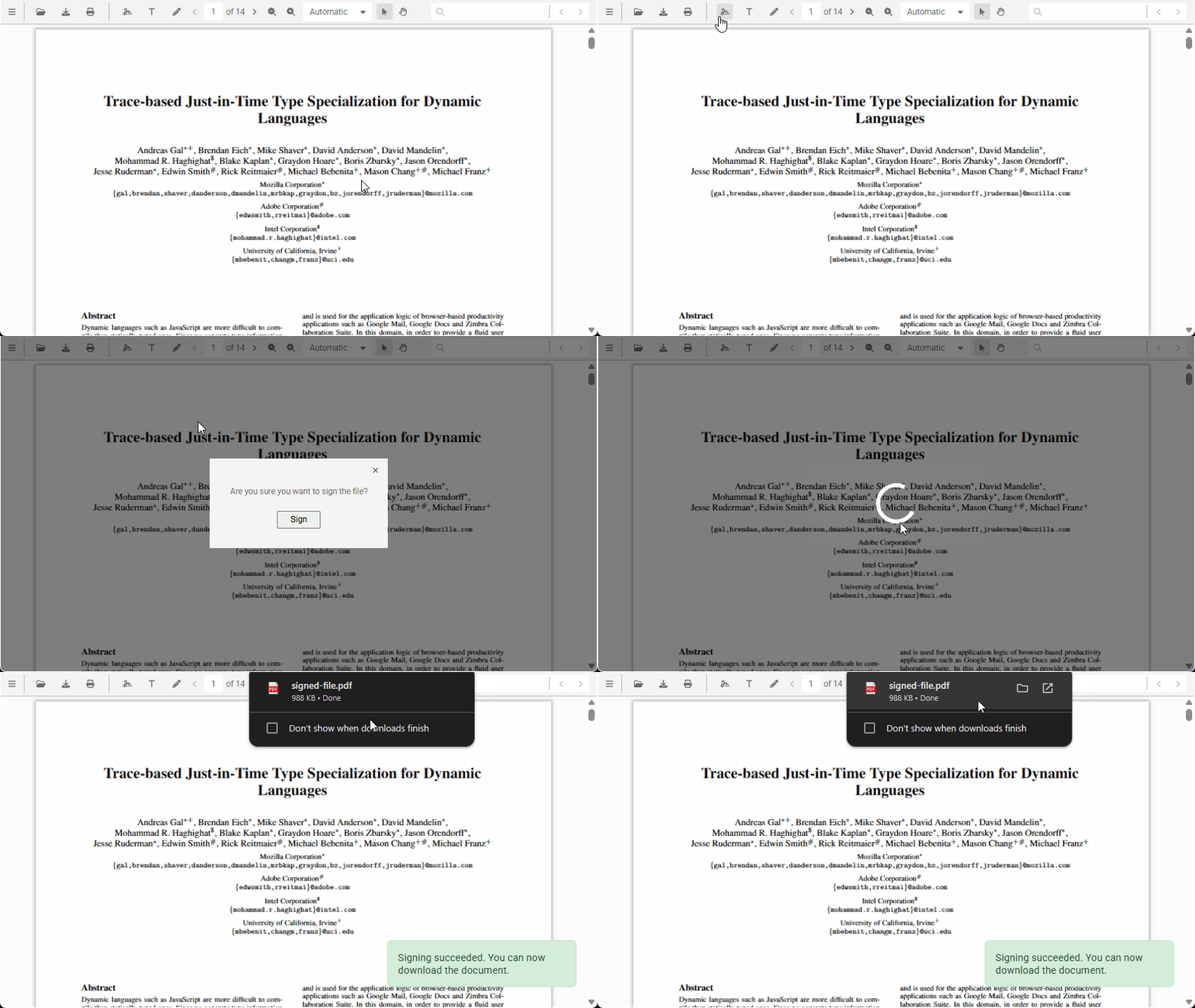
Search, print, text selection, saving, digital signing, navigation, and custom theme support are just a few among many available features that will create the look and feel of standalone PDF applications to your Svelte solutions. To add GemBox.PdfViewer to your Svelte application using NPM or Yarn, use the following commands: Now you can use GemBox.PdfViewer in your Svelte solutions. The following example is a basic PDF Viewer component that displays an existing PDF file: You can save this component as To display existing PDF documents you can use the Svelte component created in the previous step: See the live demo in action: GemBox.PdfViewer will enable your users to read existing PDF documents from your Svelte apps. Check the other examples for more information about GemBox.PdfViewer's rich set of features and customizations. They will allow you to tailor the PDF viewer to your Svelte solution's specific requirements.How to add the PDF Viewer to your Svelte application?
1. Install GemBox.PdfViewer
npm install @gembox/pdfviewer
# or
yarn add @gembox/pdfviewer
2. Create the reusable Svelte PDF Viewer component
<script>
  import { onMount } from 'svelte';
  import { GemBoxPdfViewer } from '@gembox/pdfviewer';
  import '@gembox/pdfviewer/dist/es/pdfviewer.css';

  export let initialDocument = null;
  let viewerElement;

  GemBoxPdfViewer.setLicense("FREE-LIMITED-KEY");

  onMount(() => {
    GemBoxPdfViewer.create({
      container: viewerElement,
      initialDocument: initialDocument
    });
  });
</script>

<div bind:this={viewerElement} style="width: 600px; height: 350px;"></div>PdfViewer.svelte and use it throughout your Svelte application as needed.3. Display PDF files in your Svelte app
<script>
  import PdfViewer from './PdfViewer.svelte';
</script>

<!--  Initializes PDF Viewer with a HelloWorld.pdf file -->
<PdfViewer initialDocument="/HelloWorld.pdf" />

<!-- Shows empty PDF Viewer -->
<!-- <PdfViewer /> -->
Demo
What next?