Add watermarks to PDF documents in C# and VB.NET
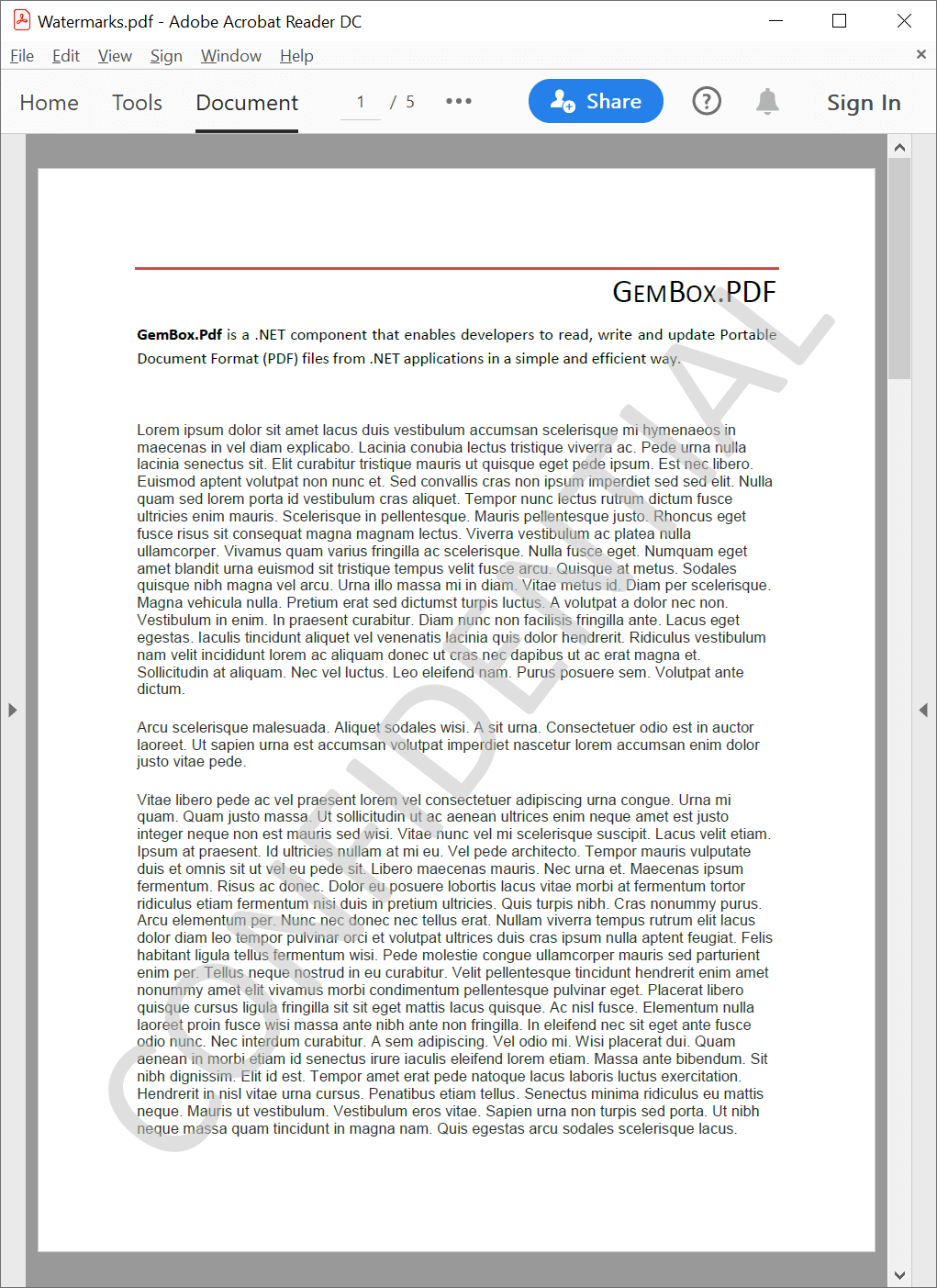
The following example shows how you can use the GemBox.Pdf library to easily add a watermark to an existing PDF file in C# and VB.NET.
using GemBox.Pdf;
using GemBox.Pdf.Content;
using System;

// If using the Professional version, put your serial key below.
ComponentInfo.SetLicense("FREE-LIMITED-KEY");

using (var document = PdfDocument.Load("LoremIpsum.pdf"))
{
    using (var formattedText = new PdfFormattedText())
    {
        // Format the watermark text.
        formattedText.FontFamily = new PdfFontFamily("Calibri");
        formattedText.Color = PdfColor.FromGray(0.75);
        formattedText.Opacity = 0.5;

        // Set the watermark text.
        formattedText.Append("CONFIDENTIAL");

        foreach (var page in document.Pages)
        {
            // Make sure the watermark is correctly transformed even if
            // the page has a custom crop box origin, is rotated, or has custom units.
            var transform = page.Transform;
            transform.Invert();

            // Center the watermark on the page.
            var pageSize = page.Size;
            transform.Translate((pageSize.Width - formattedText.Width) / 2,
                (pageSize.Height - formattedText.Height) / 2);

            // Rotate the watermark so it goes from the bottom-left to the top-right of the page.
            var angle = Math.Atan2(pageSize.Height, pageSize.Width) * 180 / Math.PI;
            transform.Rotate(angle, formattedText.Width / 2, formattedText.Height / 2);

            // Calculate the bounds of the rotated watermark.
            var watermarkBounds = new PdfQuad(new PdfPoint(0, 0),
                new PdfPoint(formattedText.Width, 0),
                new PdfPoint(formattedText.Width, formattedText.Height),
                new PdfPoint(0, formattedText.Height));
            transform.Transform(ref watermarkBounds);

            // Calculate the scaling factor so that rotated watermark fits the page.
            var cropBox = page.CropBox;
            var scale = Math.Min(cropBox.Width / (watermarkBounds.Right - watermarkBounds.Left),
                cropBox.Height / (watermarkBounds.Top - watermarkBounds.Bottom));

            // Scale the watermark so that it fits the page.
            transform.Scale(scale, scale, formattedText.Width / 2, formattedText.Height / 2);

            // Draw the centered, rotated, and scaled watermark.
            page.Content.DrawText(formattedText, transform);
        }
    }

    document.Save("Watermarks.pdf");
}
Imports GemBox.Pdf
Imports GemBox.Pdf.Content
Imports System
Module Program
Sub Main()
' If using the Professional version, put your serial key below.
ComponentInfo.SetLicense("FREE-LIMITED-KEY")
Using document = PdfDocument.Load("LoremIpsum.pdf")
Using formattedText = New PdfFormattedText()
'Format the watermark text.
formattedText.FontFamily = New PdfFontFamily("Calibri")
formattedText.Color = PdfColor.FromGray(0.75)
formattedText.Opacity = 0.5
' Set the watermark text.
formattedText.Append("CONFIDENTIAL")
For Each page In document.Pages
' Make sure the watermark is correctly transformed even if
' the page has a custom crop box origin, is rotated, or has custom units.
Dim transform = page.Transform
transform.Invert()
' Center the watermark on the page.
Dim pageSize = page.Size
transform.Translate((pageSize.Width - formattedText.Width) / 2,
(pageSize.Height - formattedText.Height) / 2)
' Rotate the watermark so it goes from the bottom-left to the top-right of the page.
Dim angle = Math.Atan2(pageSize.Height, pageSize.Width) * 180 / Math.PI
transform.Rotate(angle, formattedText.Width / 2, formattedText.Height / 2)
' Calculate the bounds of the rotated watermark.
Dim watermarkBounds = New PdfQuad(New PdfPoint(0, 0),
New PdfPoint(formattedText.Width, 0),
New PdfPoint(formattedText.Width, formattedText.Height),
New PdfPoint(0, formattedText.Height))
transform.Transform(watermarkBounds)
' Calculate the scaling factor so that rotated watermark fits the page.
Dim cropBox = page.CropBox
Dim scale = Math.Min(cropBox.Width / (watermarkBounds.Right - watermarkBounds.Left),
cropBox.Height / (watermarkBounds.Top - watermarkBounds.Bottom))
' Scale the watermark so that it fits the page.
transform.Scale(scale, scale, formattedText.Width / 2, formattedText.Height / 2)
' Draw the centered, rotated, and scaled watermark.
page.Content.DrawText(formattedText, transform)
Next
End Using
document.Save("Watermarks.pdf")
End Using
End Sub
End ModuleOutput
Watermark images
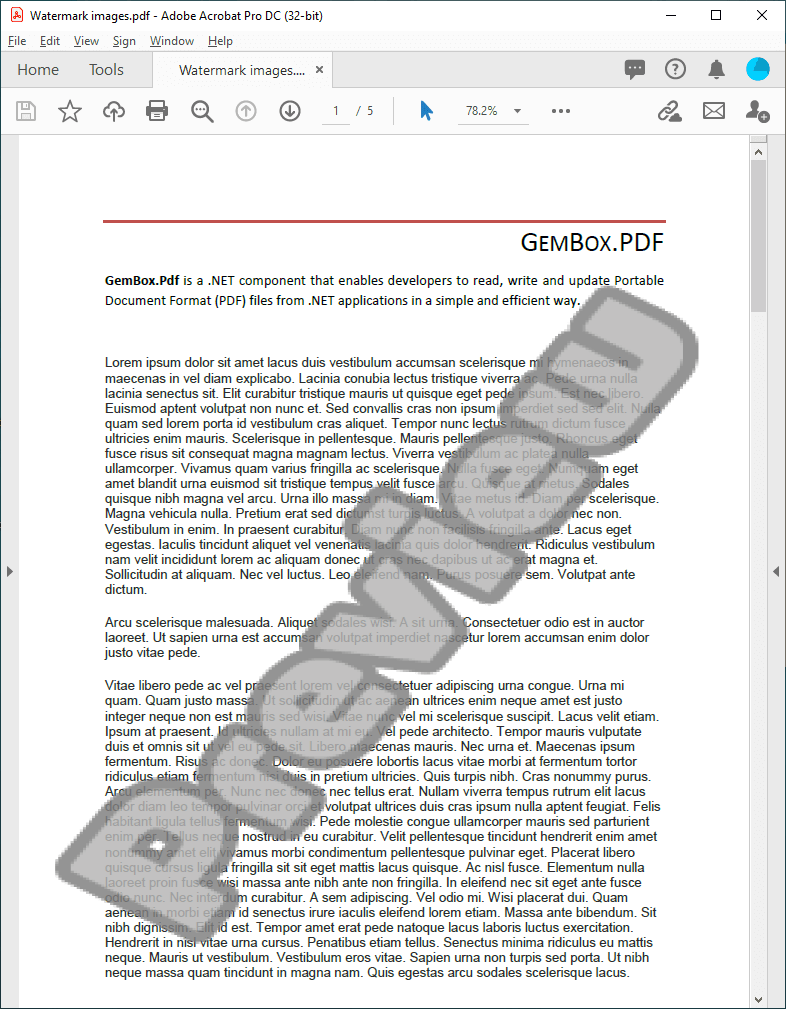
The following example shows how you can easily add a watermark image to an existing PDF file.
using GemBox.Pdf;
using GemBox.Pdf.Content;
using System;

// If using the Professional version, put your serial key below.
ComponentInfo.SetLicense("FREE-LIMITED-KEY");

using (var document = PdfDocument.Load("LoremIpsum.pdf"))
{
    // Load the watermark from a file.
    var image = PdfImage.Load("WatermarkImage.png");

    foreach (var page in document.Pages)
    {
        // Make sure the watermark is correctly transformed even if
        // the page has a custom crop box origin, is rotated, or has custom units.
        var transform = page.Transform;
        transform.Invert();

        // Center the watermark on the page.
        var pageSize = page.Size;
        transform.Translate((pageSize.Width - 1) / 2, (pageSize.Height - 1) / 2);

        // Calculate the scaling factor so that the watermark fits the page.
        var cropBox = page.CropBox;
        var scale = Math.Min(cropBox.Width, cropBox.Height);

        // Scale the watermark so that it fits the page.
        transform.Scale(scale, scale, 0.5, 0.5);

        // Draw the centered and scaled watermark.
        page.Content.DrawImage(image, transform);
    }

    document.Save("Watermark Images.pdf");
}
Imports GemBox.Pdf
Imports GemBox.Pdf.Content
Imports System
Module Program
Sub Main()
' If using the Professional version, put your serial key below.
ComponentInfo.SetLicense("FREE-LIMITED-KEY")
Using document = PdfDocument.Load("LoremIpsum.pdf")
' Load the image from a file.
Dim image = PdfImage.Load("WatermarkImage.png")
For Each page In document.Pages
' Make sure the watermark is correctly transformed even if
' the page has a custom crop box origin, is rotated, or has custom units.
Dim transform = page.Transform
transform.Invert()
' Center the watermark on the page.
Dim pageSize = page.Size
transform.Translate((pageSize.Width - 1) / 2, (pageSize.Height - 1) / 2)
' Calculate the scaling factor so that the watermark fits the page.
Dim cropBox = page.CropBox
Dim scale = Math.Min(cropBox.Width, cropBox.Height)
' Scale the watermark so that it fits the page.
transform.Scale(scale, scale, 0.5, 0.5)
' Draw the centered and scaled watermark.
page.Content.DrawImage(image, transform)
Next
document.Save("Watermark Images.pdf")
End Using
End Sub
End ModuleOutput