Export PDF interactive form data in C# and VB.NET
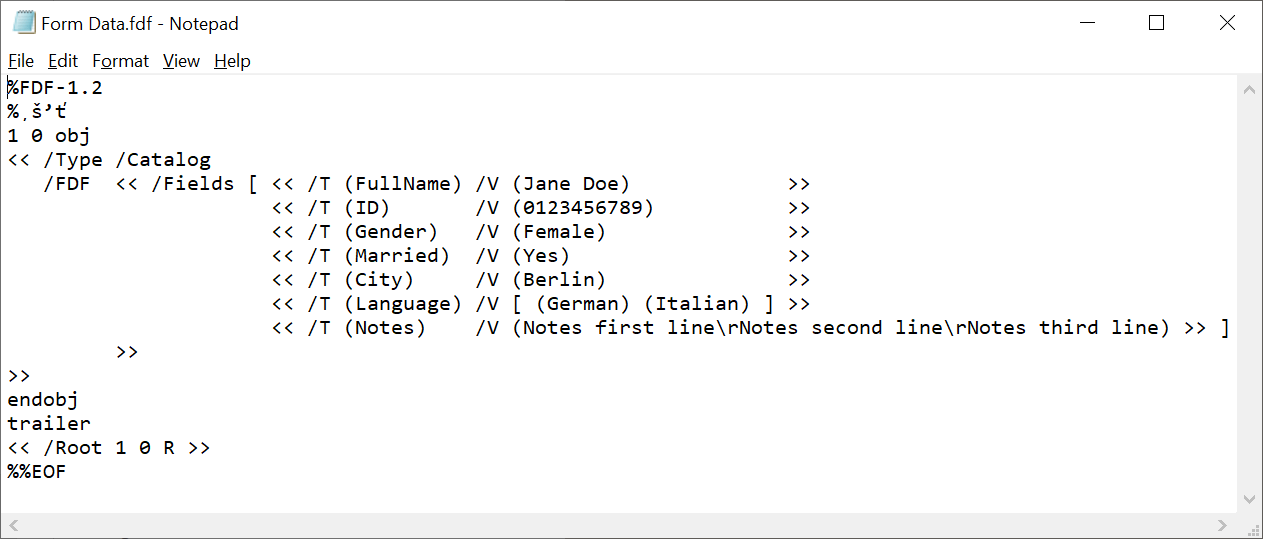
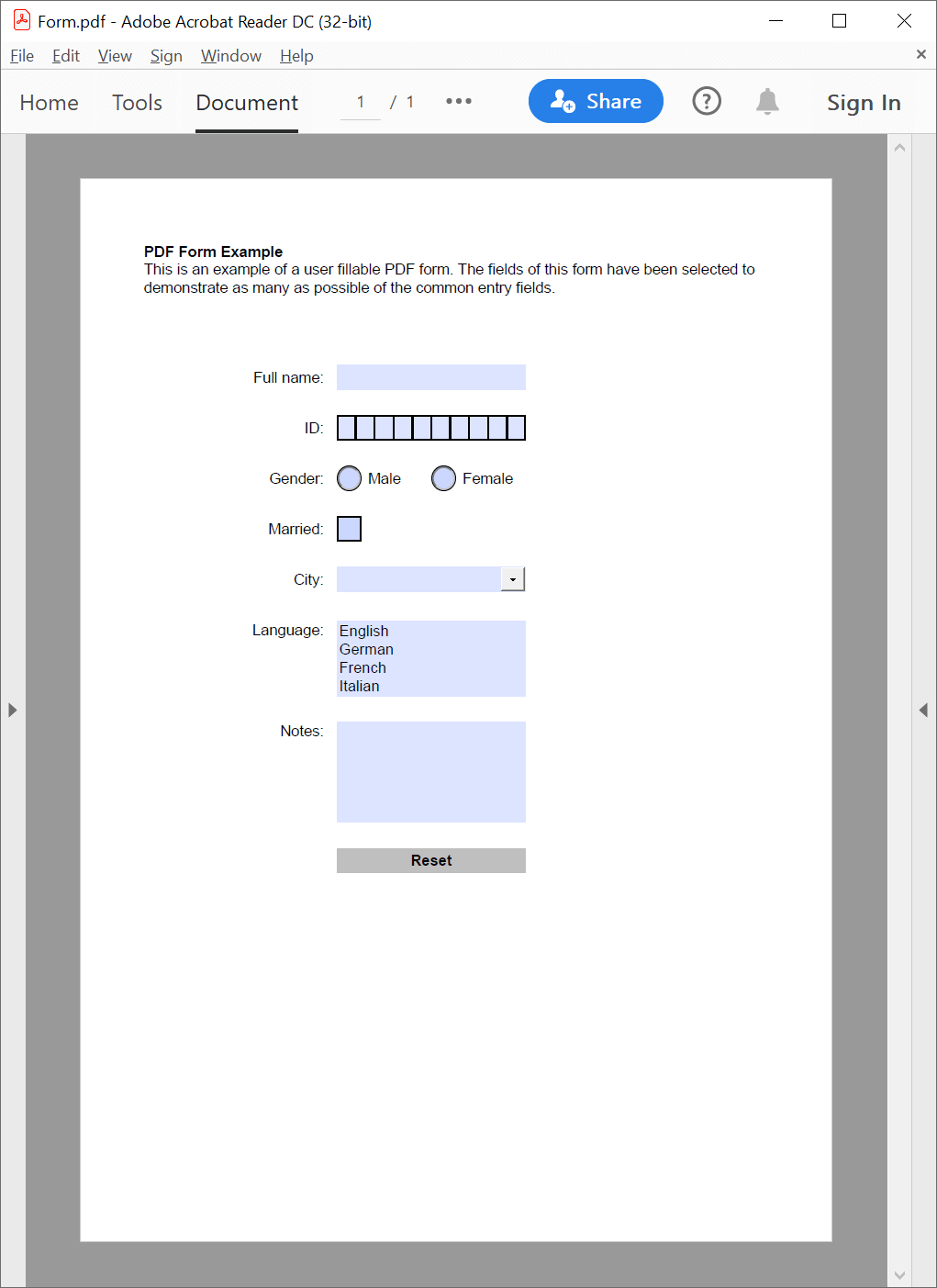
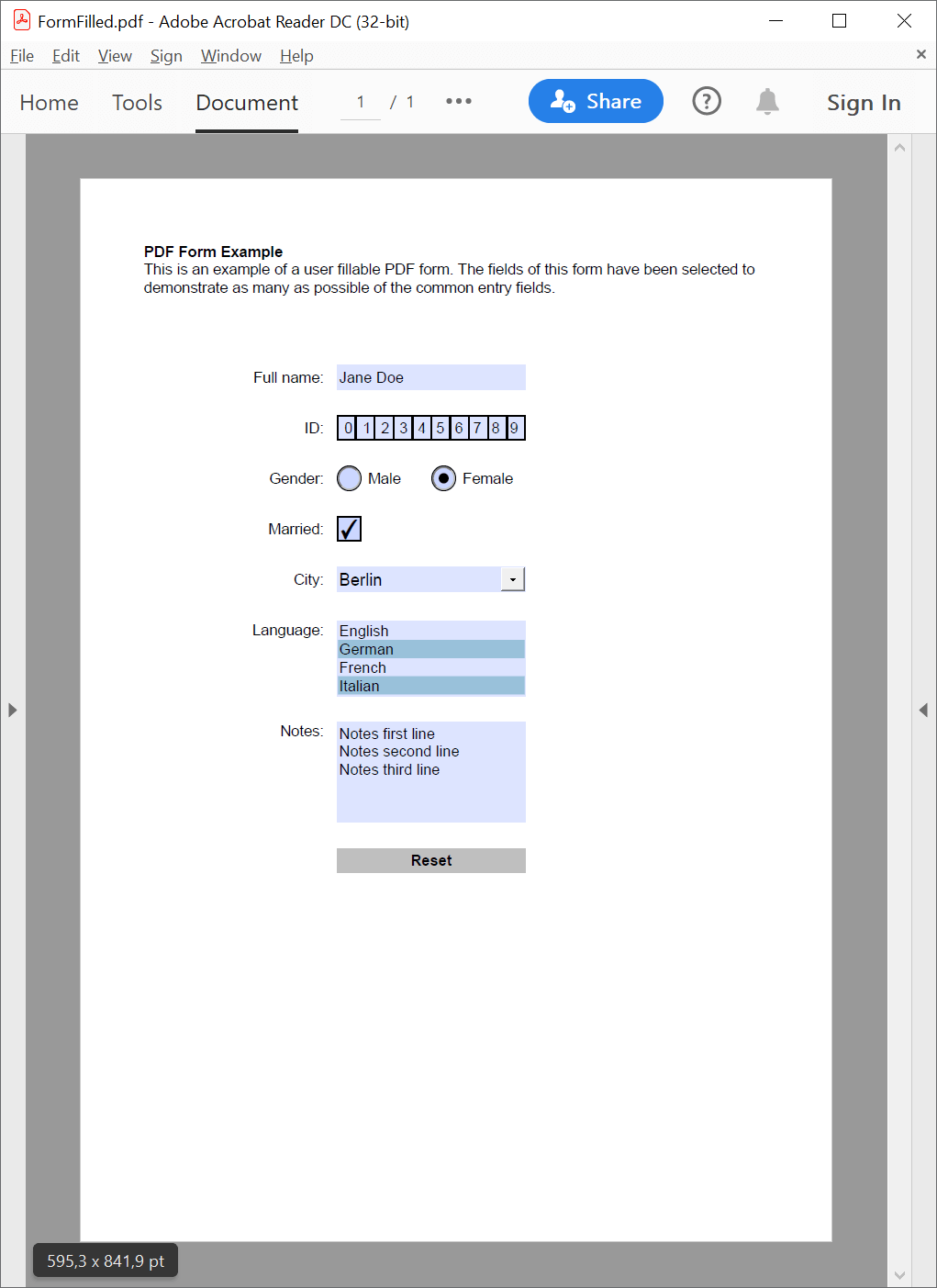
The following example shows how you can use the GemBox.Pdf library to export interactive form data in your C# and VB.NET applications:
using GemBox.Pdf;
using GemBox.Pdf.Forms;

class Program
{
    static void Main()
    {
        // If using the Professional version, put your serial key below.
        ComponentInfo.SetLicense("FREE-LIMITED-KEY");

        using (var document = PdfDocument.Load("%InputFileName%"))
            document.Form.ExportData("Form Data.%OutputFileType%");
    }
}
Imports GemBox.Pdf
Imports GemBox.Pdf.Forms

Module Program

    Sub Main()

        ' If using the Professional version, put your serial key below.
        ComponentInfo.SetLicense("FREE-LIMITED-KEY")

        Using document = PdfDocument.Load("%InputFileName%")
            document.Form.ExportData("Form Data.%OutputFileType%")
        End Using
    End Sub
End Module