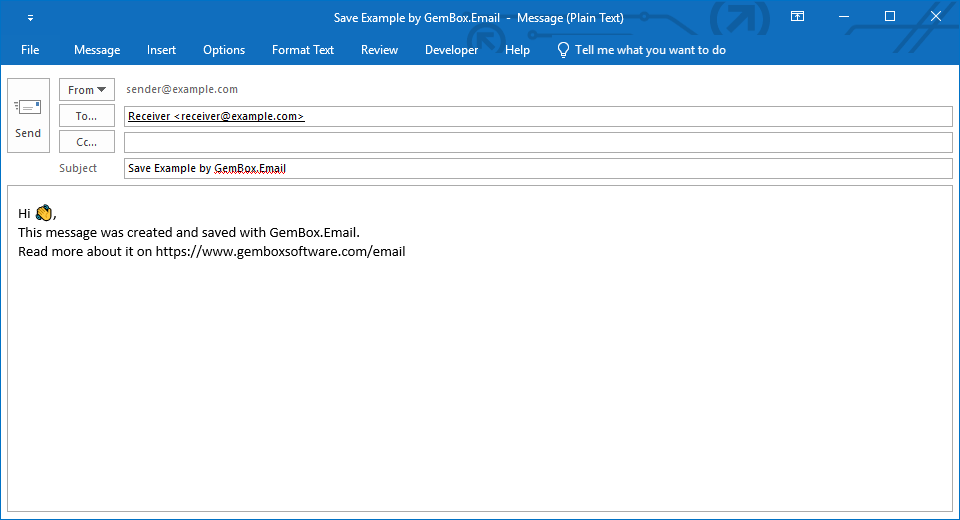
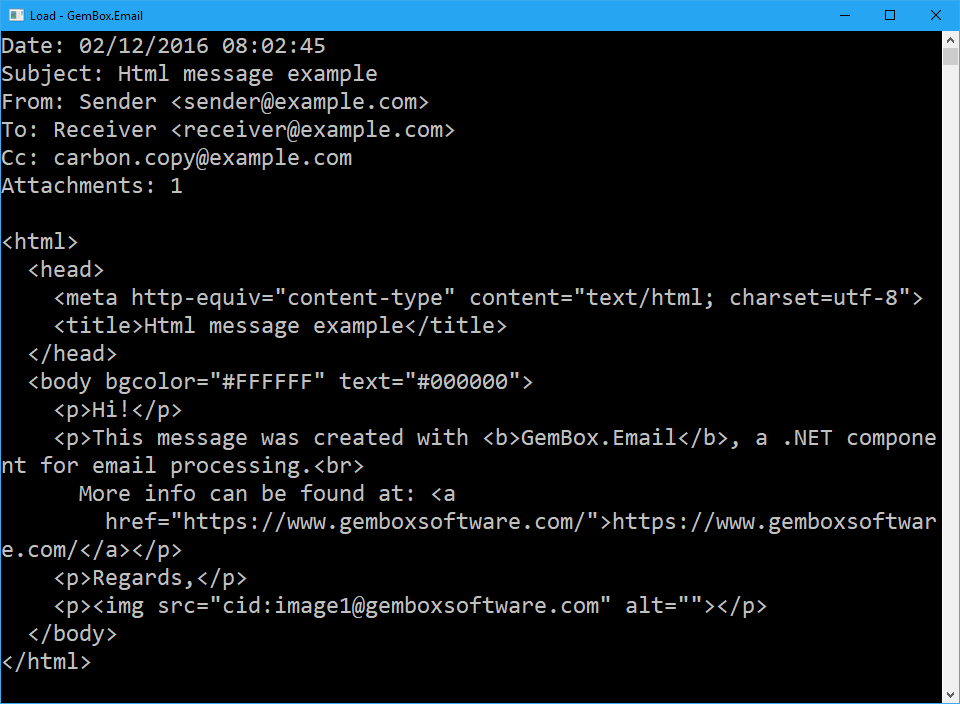
Convert email files between MSG, EML, and MHT formats in C# and VB.NET
The example below shows how to use the GemBox.Email library to convert an EML file to an MSG file.
The library supports reading and writing email messages in the following file formats:
- MSG (Outlook Item)
- EML (Electronic Mail Format)
- MHT or MHTML (MIME HTML)
using GemBox.Email;

class Program
{
    static void Main()
    {
        // If using the Professional version, put your serial key below.
        ComponentInfo.SetLicense("FREE-LIMITED-KEY");

        // Convert email from one format into another.
        MailMessage message = MailMessage.Load("%InputFileName%");
        message.Save("Convert.%OutputFileType%");
    }
}
Imports GemBox.Email

Module Program

    Sub Main()

        ' If using the Professional version, put your serial key below.
        ComponentInfo.SetLicense("FREE-LIMITED-KEY")

        ' Convert email from one format into another.
        Dim message As MailMessage = MailMessage.Load("%InputFileName%")
        message.Save("Convert.%OutputFileType%")

    End Sub
End Module
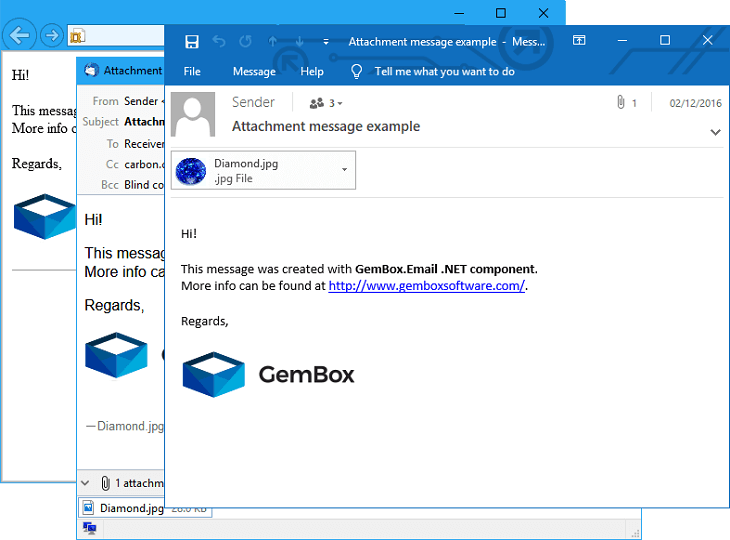
You can load an email file from one format and save it in another format, thus converting emails straightforwardly.
Both the loaded input file and saved output file can be obtained as physical files (when providing a file's path) or as in-memory files (when providing a file's stream).