Display a Word document in a WPF application
The following example shows how to use the GemBox.Document library to display a Word file in a WPF application by converting it to an XpsDocument and attaching to WPF's DocumentViewer control.
<Window x:Class="ExportToXpsDocument.MainWindow"
        xmlns="http://schemas.microsoft.com/winfx/2006/xaml/presentation"
        xmlns:x="http://schemas.microsoft.com/winfx/2006/xaml"
        Title="Export to XpsDocument / DocumentViewer Control"
        SizeToContent="WidthAndHeight">

    <DocumentViewer x:Name="DocumentViewer"/>

</Window>
using GemBox.Document;
using System.Windows;
using System.Windows.Xps.Packaging; // Add reference for 'ReachFramework'.
namespace ExportToXpsDocument
{
public partial class MainWindow : Window
{
private XpsDocument xpsDocument;
public MainWindow()
{
this.InitializeComponent();
// If using the Professional version, put your serial key below.
ComponentInfo.SetLicense("FREE-LIMITED-KEY");
this.SetDocumentViewer("Reading.docx");
}
private void SetDocumentViewer(string path)
{
var document = DocumentModel.Load(path);
// XpsDocument object must stay referenced so that DocumentViewer can access its resources.
// Otherwise, GC will collect/dispose XpsDocument and DocumentViewer will no longer work.
this.xpsDocument = document.ConvertToXpsDocument(SaveOptions.XpsDefault);
this.DocumentViewer.Document = this.xpsDocument.GetFixedDocumentSequence();
}
}
}Imports GemBox.Document
Imports System.Windows
Imports System.Windows.Xps.Packaging ' Add reference for 'ReachFramework'.
Namespace ExportToXpsDocument
Partial Public Class MainWindow
Inherits Window
Private xpsDocument As XpsDocument
Public Sub New()
Me.InitializeComponent()
' If using the Professional version, put your serial key below.
ComponentInfo.SetLicense("FREE-LIMITED-KEY")
Me.SetDocumentViewer("Reading.docx")
End Sub
Private Sub SetDocumentViewer(path As String)
Dim document = DocumentModel.Load(path)
' XpsDocument object must stay referenced so that DocumentViewer can access its resources.
' Otherwise, GC will collect/dispose XpsDocument and DocumentViewer will no longer work.
Me.xpsDocument = document.ConvertToXpsDocument(SaveOptions.XpsDefault)
Me.DocumentViewer.Document = Me.xpsDocument.GetFixedDocumentSequence()
End Sub
End Class
End Namespace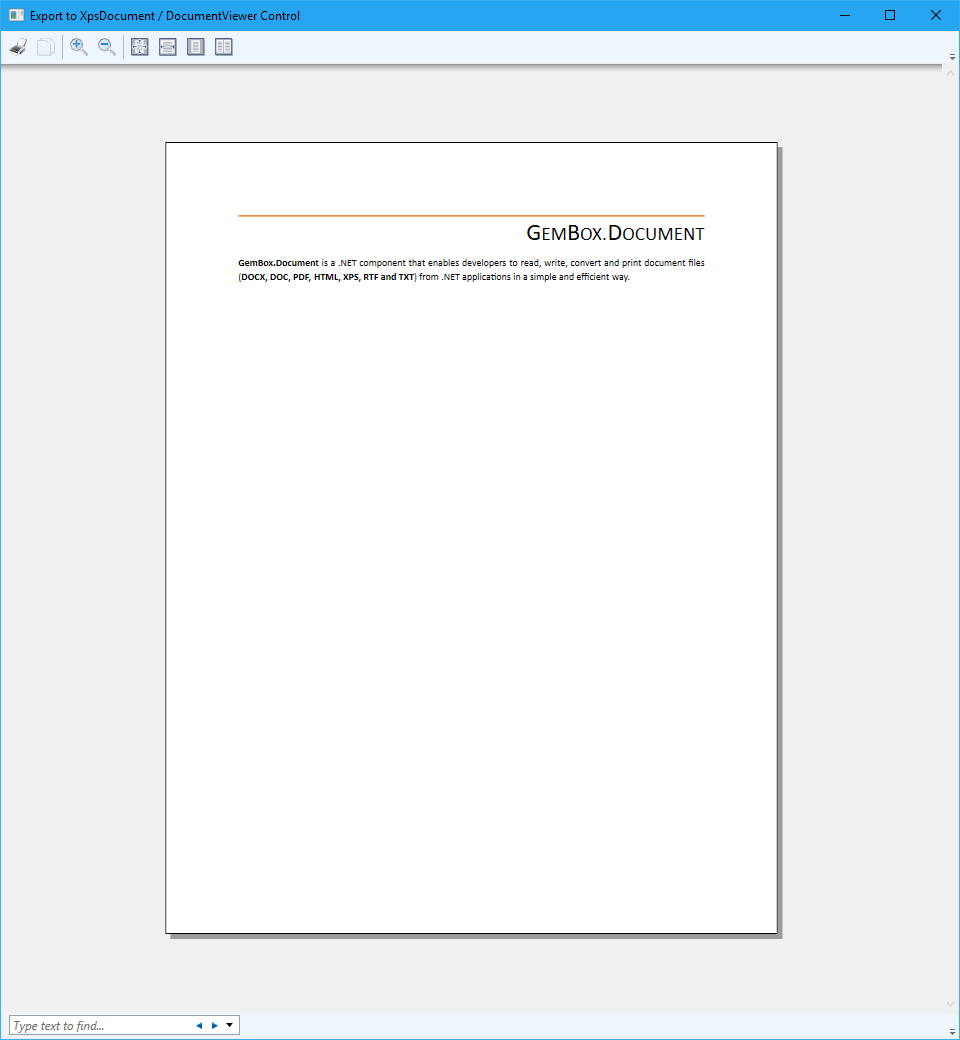
As an alternative, you can display a Word document in WPF by converting its pages to ImageSource objects and attaching them to WPF's Image control.
<Window x:Class="ExportToImageSource.MainWindow"
        xmlns="http://schemas.microsoft.com/winfx/2006/xaml/presentation"
        xmlns:x="http://schemas.microsoft.com/winfx/2006/xaml"
        Title="Export to ImageSource / Image Control"
        SizeToContent="WidthAndHeight">

    <Border Margin="10" BorderBrush="Black" BorderThickness="1">
        <Image x:Name="ImageControl"/>
    </Border>

</Window>
using GemBox.Document;
using System.Windows;
namespace ExportToImageSource
{
public partial class MainWindow : Window
{
public MainWindow()
{
this.InitializeComponent();
// If using the Professional version, put your serial key below.
ComponentInfo.SetLicense("FREE-LIMITED-KEY");
this.SetImageControl("Reading.docx", 0);
}
private void SetImageControl(string path, int pageIndex)
{
var document = DocumentModel.Load(path);
var imageOptions = new ImageSaveOptions();
imageOptions.PageNumber = pageIndex;
var imageSource = document.ConvertToImageSource(imageOptions);
this.ImageControl.Source = imageSource;
}
}
}Imports GemBox.Document
Imports System.Windows
Namespace ExportToImageSource
Partial Public Class MainWindow
Inherits Window
Public Sub New()
Me.InitializeComponent()
' If using the Professional version, put your serial key below.
ComponentInfo.SetLicense("FREE-LIMITED-KEY")
Me.SetImageControl("Reading.docx", 0)
End Sub
Private Sub SetImageControl(path As String, pageIndex As Integer)
Dim document = DocumentModel.Load(path)
Dim imageOptions As New ImageSaveOptions()
imageOptions.PageNumber = pageIndex
Dim imageSource = document.ConvertToImageSource(imageOptions)
Me.ImageControl.Source = imageSource
End Sub
End Class
End Namespace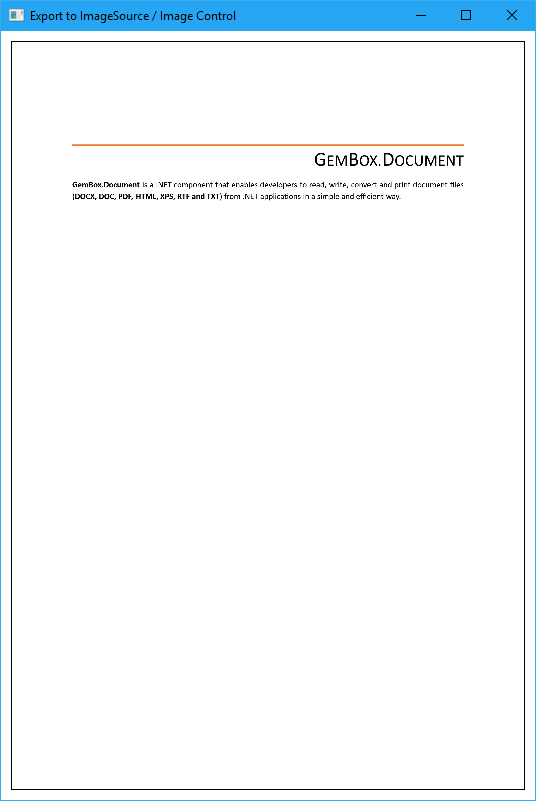
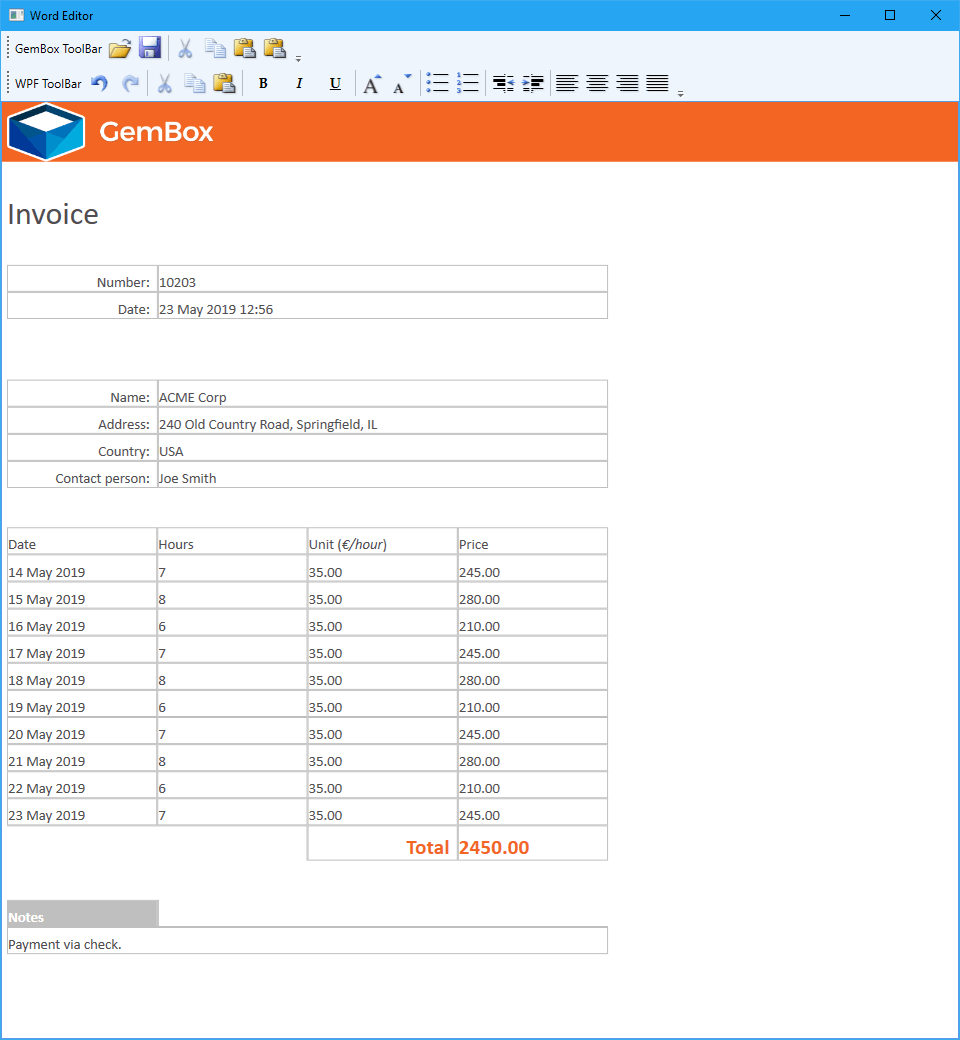
If you require more than displaying a file's content, for instance if you want to be able to modify it with some Graphical User Interface (GUI) control, take a look at this Word Editor in WPF example.