Create a Word document in .NET MAUI
GemBox.Document is a standalone .NET library with cross-platform support for processing documents. With the help of MAUI, you can use it on platforms like Android, iOS, macOS, and Windows for reading, writing, editing, and converting Word documents as well as creating PDF files.
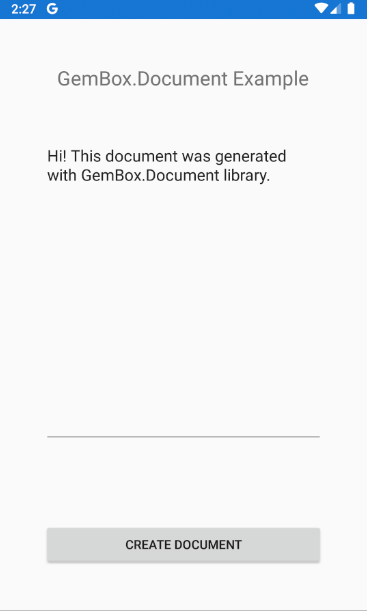
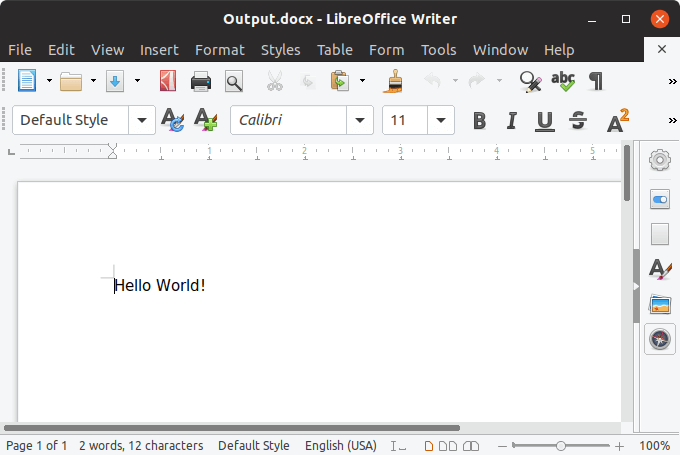
The following example shows how you can create a DOCX file in a mobile application.
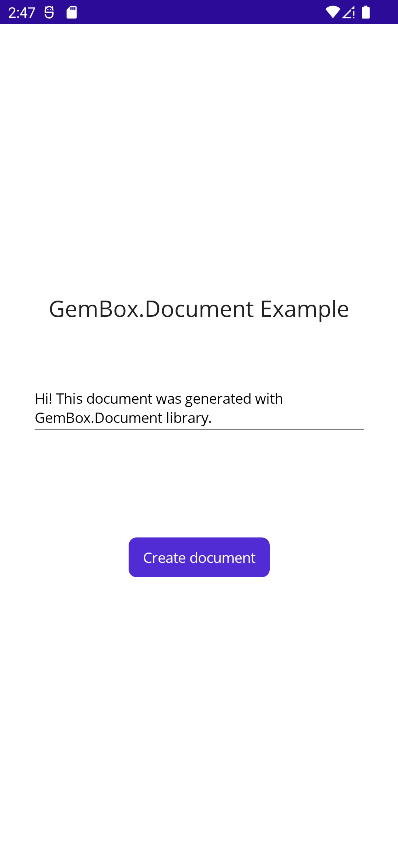
<ContentPage xmlns="http://schemas.microsoft.com/dotnet/2021/maui"
             xmlns:x="http://schemas.microsoft.com/winfx/2009/xaml"
             x:Class="DocumentMaui.MainPage">

    <ScrollView>
        <VerticalStackLayout
            Spacing="25"
            Padding="30"
            VerticalOptions="Center">

            <Label Text="GemBox.Document Example"
               HorizontalOptions="Center"
               FontSize="Large"
               Margin="0,0,0,30" />

            <Editor x:Name ="text"
                VerticalOptions="FillAndExpand"
                Text="Hi! This document was generated with GemBox.Document library." />

            <ActivityIndicator x:Name="activity" />

            <Button
                x:Name="button"
                Text="Create document"
                Clicked="Button_Clicked"
                HorizontalOptions="Center" />

        </VerticalStackLayout>
    </ScrollView>

</ContentPage>
using GemBox.Document;

namespace DocumentMaui
{
    public partial class MainPage : ContentPage
    {
        static MainPage()
        {
            ComponentInfo.SetLicense("FREE-LIMITED-KEY");
        }
        public MainPage()
        {
            InitializeComponent();
        }
        private async Task<string> CreateDocumentAsync()
        {
            var document = new DocumentModel();

            document.Sections.Add(new Section(document,
                new Paragraph(document, text.Text),
                new Paragraph(document, new Picture(document, await FileSystem.OpenAppPackageFileAsync("fragonard_reader.jpg")))));

            var filePath = Path.Combine(Environment.GetFolderPath(Environment.SpecialFolder.MyDocuments), "Example.pdf");

            await Task.Run(() => document.Save(filePath));

            return filePath;
        }

        private async void Button_Clicked(object sender, EventArgs e)
        {
            button.IsEnabled = false;
            activity.IsRunning = true;

            try
            {
                var filePath = await CreateDocumentAsync();
                await Launcher.OpenAsync(new OpenFileRequest(Path.GetFileName(filePath), new ReadOnlyFile(filePath)));
            }
            catch (Exception ex)
            {
                await DisplayAlert("Error", ex.Message, "Close");
            }

            activity.IsRunning = false;
            button.IsEnabled = true;
        }
    }
}
Using the full functionality of GemBox.Document in MAUI application requires adjustments explained in detail on Supported Platforms help page.