Create and modify VBA Macros in Word documents in C# and VB.NET
In GemBox.Spreadsheet a VBA project is represented by a VbaProject element and can be loaded from and saved to macro-enabled (DOCM) file format only.
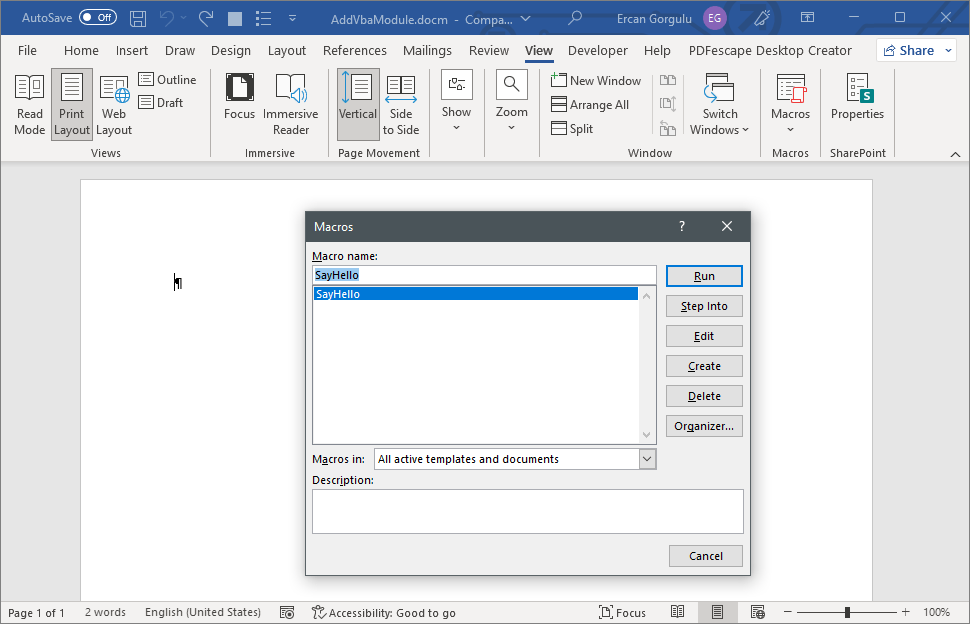
The following example shows how you can create a VBA macro (module) in Word using the GemBox.Document component in your C# and VB.NET applications.
using GemBox.Document;
using GemBox.Document.Vba;

        // If using the Professional version, put your serial key below.
        ComponentInfo.SetLicense("FREE-LIMITED-KEY");

        var document = new DocumentModel();

        var section = new Section(document);
        document.Sections.Add(section);

        // Create the module.
        VbaModule vbaModule = document.VbaProject.Modules.Add("SampleModule", VbaModuleType.Document);
        vbaModule.Code =
@"Sub WriteHello()
    Selection.TypeText Text:=""Hello World!""
End Sub";

        // Save the document as macro-enabled Word file.
        document.Save("AddVbaModule.docm");
Imports GemBox.Document
Imports GemBox.Document.Vba
Module Program
Sub Main()
' If using the Professional version, put your serial key below.
ComponentInfo.SetLicense("FREE-LIMITED-KEY")
Dim document As New DocumentModel()
Dim section As New Section(document)
document.Sections.Add(section)
' Create the module.
Dim vbaModule As VbaModule = document.VbaProject.Modules.Add("SampleModule", VbaModuleType.Document)
vbaModule.Code =
"Sub WriteHello()
Selection.TypeText Text:=""Hello World!""
End Sub"
' Save the document as macro-enabled Word file.
document.Save("AddVbaModule.docm")
End Sub
End ModuleOutput
The following example shows how you can update an Word VBA module in C# and VB.NET.
using GemBox.Document;
using GemBox.Document.Vba;

// If using the Professional version, put your serial key below.
ComponentInfo.SetLicense("FREE-LIMITED-KEY");

var document = DocumentModel.Load("SampleVba.docm");

// Get the module.
VbaModule vbaModule = document.VbaProject.Modules["ThisDocument"];
// Update text for the popup message.
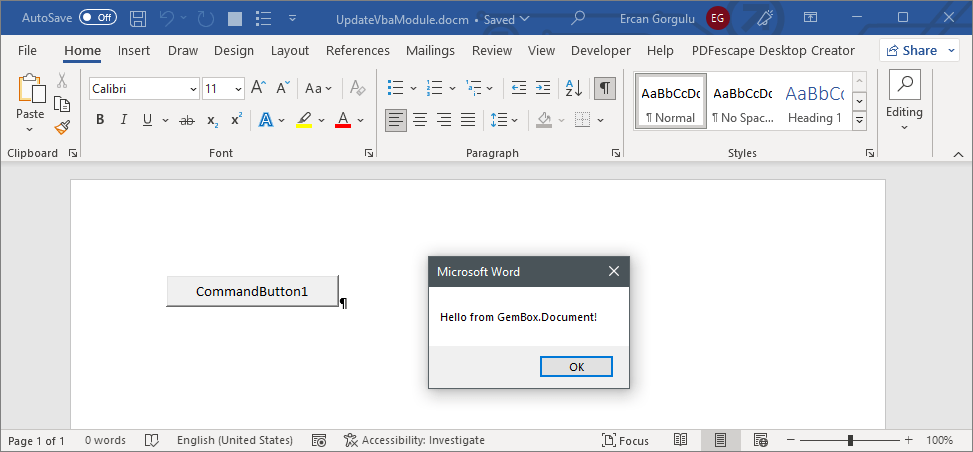
vbaModule.Code = vbaModule.Code.Replace("Hello world!", "Hello from GemBox.Document!");

document.Save("UpdateVbaModule.docm");
Imports GemBox.Document
Imports GemBox.Document.Vba
Module Program
Sub Main()
' If using the Professional version, put your serial key below.
ComponentInfo.SetLicense("FREE-LIMITED-KEY")
Dim document = DocumentModel.Load("SampleVba.docm")
' Get the module.
Dim vbaModule As VbaModule = document.VbaProject.Modules("ThisDocument")
' Update text for the popup message.
vbaModule.Code = vbaModule.Code.Replace("Hello world!", "Hello from GemBox.Document!")
document.Save("UpdateVbaModule.docm")
End Sub
End ModuleOutput