Word Encryption for DOCX files in C# and VB.NET
DOCX encryption enables you to securely protect the content of your Word document from unwanted viewers by encrypting it with a password. The passwords are case-sensitive, and they can't be empty.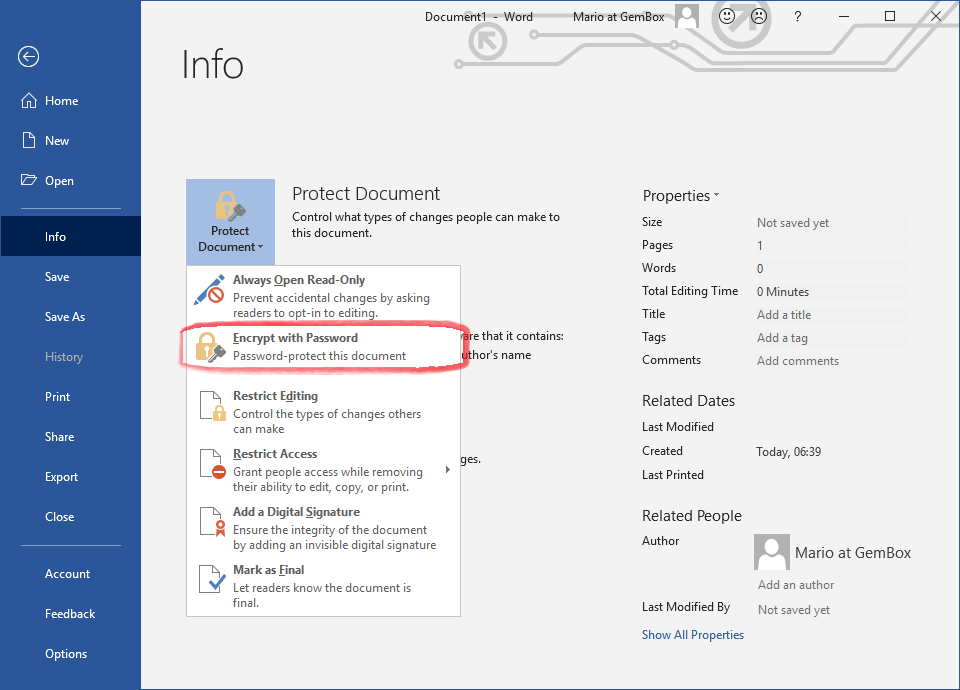
With the GemBox.Document library you can encrypt a Word document programmatically in C# and VB.NET.
The following example shows how to load an encrypted DOCX file and save it as an encrypted DOCX file with a different password: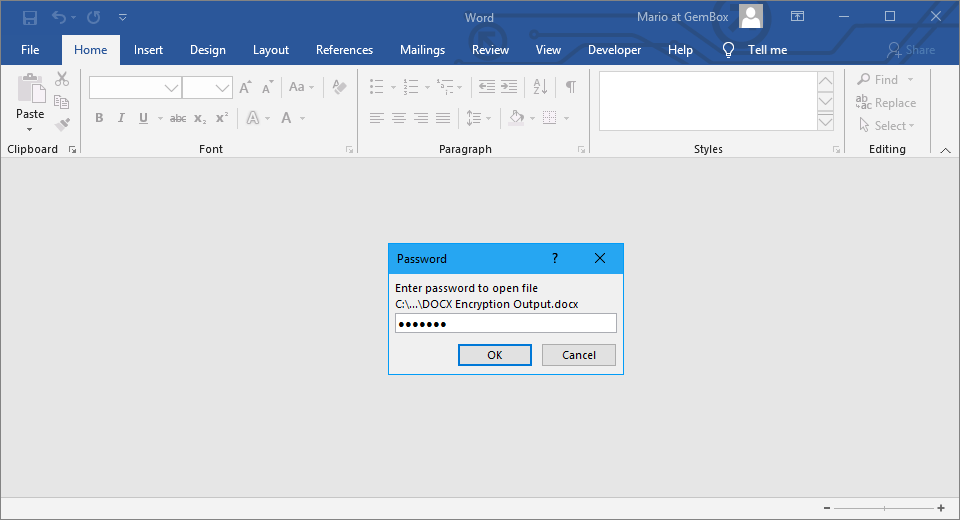
using GemBox.Document;

// If using the Professional version, put your serial key below.
ComponentInfo.SetLicense("FREE-LIMITED-KEY");

string inputPassword = "inpass";
string outputPassword = "outpass";

var document = DocumentModel.Load("DocxEncryption.docx",
    new DocxLoadOptions() { Password = inputPassword });

document.Save("DOCX Encryption Output.docx",
    new DocxSaveOptions() { Password = outputPassword });
Imports GemBox.Document
Module Program
Sub Main()
' If using the Professional version, put your serial key below.
ComponentInfo.SetLicense("FREE-LIMITED-KEY")
Dim inputPassword As String = "inpass"
Dim outputPassword As String = "outpass"
Dim document = DocumentModel.Load("DocxEncryption.docx",
New DocxLoadOptions With {.Password = inputPassword})
document.Save("DOCX Encryption Output.docx",
New DocxSaveOptions With {.Password = outputPassword})
End Sub
End ModuleNote that to read a protected or encrypted Word document, you'll need to provide a DocxLoadOptions.Password value. To write to a protected or encrypted Word document, you'll need to set a DocxSaveOptions.Password.
To read an encrypted Word document, you'll need to provide a valid password by using the property. In case of an invalid password, GemBox.Document won't be able to decrypt the file and thus a CryptographicException will occur when trying to load it.
In order to check if a Word document is encrypted, you can use one of the DocxLoadOptions.IsEncrypted static methods.