Create and write Word files (DOCX)
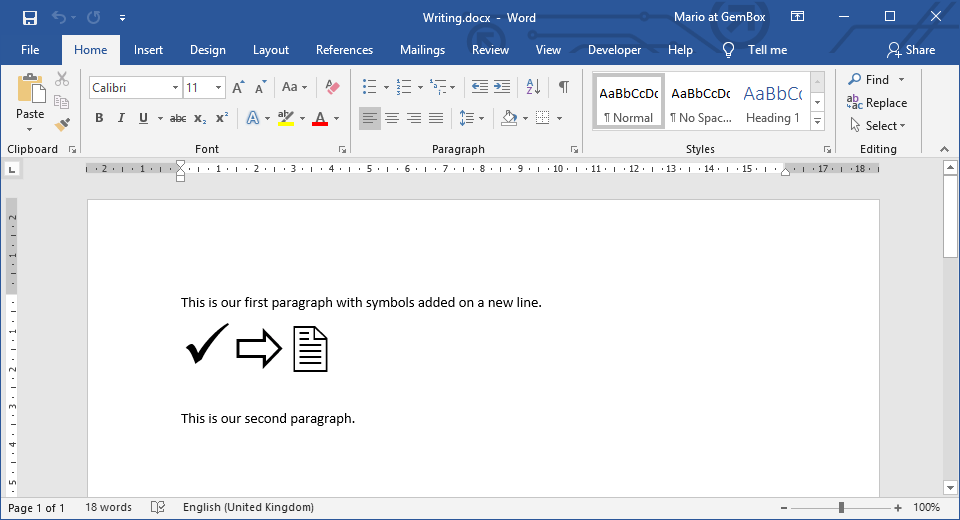
The following example shows how to create a new Word document and write some text and symbols into it, using the GemBox.Document library in C# and VB.NET.
using GemBox.Document;

class Program
{
    static void Main()
    {
        // If using the Professional version, put your serial key below.
        ComponentInfo.SetLicense("FREE-LIMITED-KEY");

        // Create new empty document.
        var document = new DocumentModel();

        // Add new section with two paragraphs, containing some text and symbols.
        document.Sections.Add(
            new Section(document,
                new Paragraph(document,
                    new Run(document, "This is our first paragraph with symbols added on a new line."),
                    new SpecialCharacter(document, SpecialCharacterType.LineBreak),
                    new Run(document, "\xFC" + "\xF0" + "\x32") { CharacterFormat = { FontName = "Wingdings", Size = 48 } }),
                new Paragraph(document, "This is our second paragraph.")));

        // Save Word document to file's path.
        document.Save("Writing.%OutputFileType%");
    }
}
Imports GemBox.Document

Module Program

    Sub Main()

        ' If using the Professional version, put your serial key below.
        ComponentInfo.SetLicense("FREE-LIMITED-KEY")

        ' Create new empty document.
        Dim document As New DocumentModel()

        ' Add new section with two paragraphs, containing some text and symbols.
        document.Sections.Add(
            New Section(document,
                New Paragraph(document,
                    New Run(document, "This is our first paragraph with symbols added on a new line."),
                    New SpecialCharacter(document, SpecialCharacterType.LineBreak),
                    New Run(document, ChrW(&HFC) & ChrW(&HF0) & ChrW(&H32)) With {.CharacterFormat = New CharacterFormat() With {.FontName = "Wingdings", .Size = 48}}),
                New Paragraph(document, "This is our second paragraph.")))

        ' Save Word document to file's path.
        document.Save("Writing.%OutputFileType%")

    End Sub
End Module
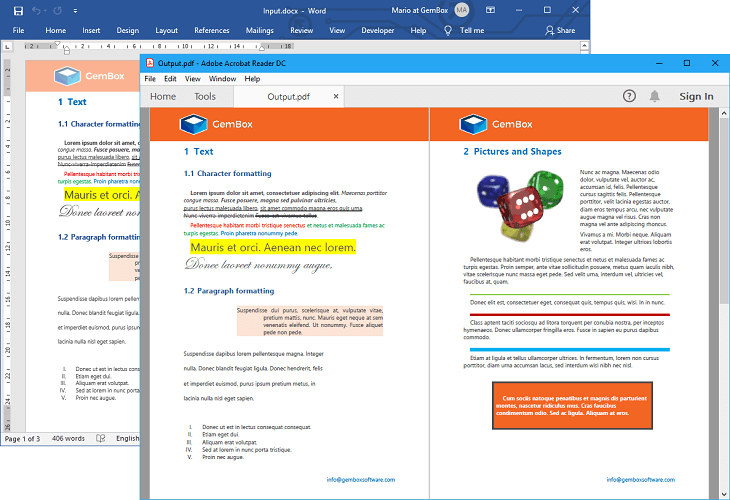
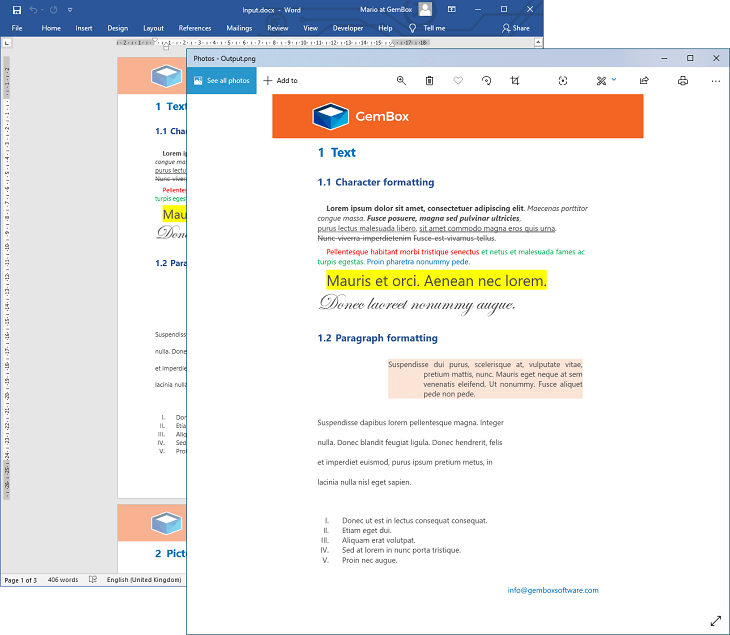
With GemBox.Document you can create and write many Word file formats (like DOCX, RTF, ODT and HTML) in the same manner. You can save documents using one of the DocumentModel.Save methods from your C# and VB.NET application. These methods enable you to work with a physical file (when providing the file's path) or with an in-memory file (when providing the file's Stream).
You can specify the format of your Word file by providing an instance of the SaveOptions derived class (like DocxSaveOptions, RtfSaveOptions, and HtmlSaveOptions). Or you can let GemBox.Document choose the appropriate options based on the file name extension by omitting the SaveOptions.
The top-level elements of every Word document are Section elements, which contain Block-level elements like Paragraphs and Tables. Each Paragraph element contains Inline level elements like Run and SpecialCharacter.
You can find a complete elements hierarchy (parent / child relationships) of GemBox.Document's in-memory representation of a Word file on the Content Model help page.
The following is a list of examples that show how you can create different document elements:
- Bookmarks and Hyperlinks
- Charts
- Comments
- Content Controls
- Fields
- Footnotes and Endnotes
- Headers and Footers
- Lists
- Pictures
- Shapes
- Table
- Table of Content
- TextBoxes
- Watermarks
Writing Word document with formatted text
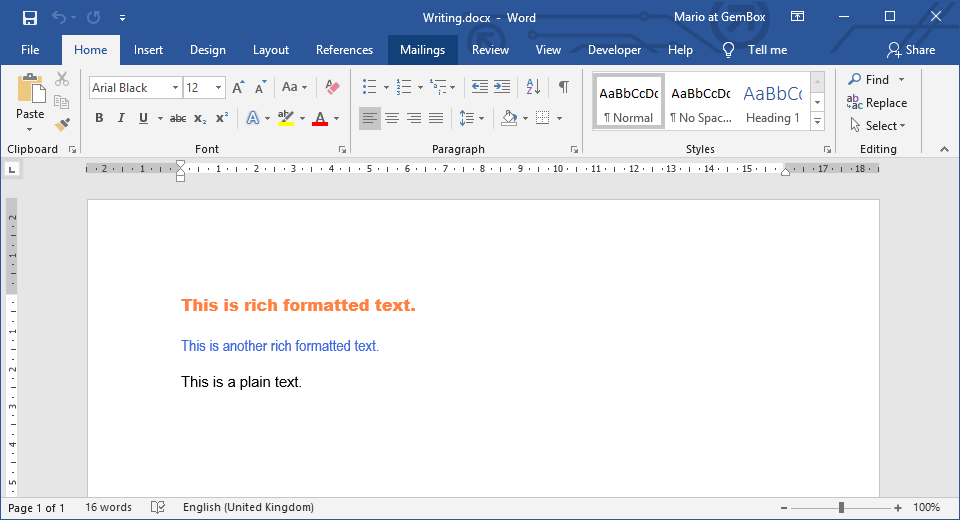
The following example shows how to create a new Word file by inserting rich formatted text at specific document locations.
using GemBox.Document;

class Program
{
    static void Main()
    {
        // If using the Professional version, put your serial key below.
        ComponentInfo.SetLicense("FREE-LIMITED-KEY");

        // Create new empty document.
        var document = new DocumentModel();

        // Add plain text to document.
        document.Content.LoadText("This is a plain text.", new CharacterFormat() { FontName = "Arial" });

        // Insert RTF formatted text at the beginning of the document.
        var position = document.Content.Start.LoadText(@"{\rtf1\ansi\deff0{\fonttbl{\f0 Arial Black;}}{\colortbl ;\red255\green128\blue64;}\f0\cf1 This is rich formatted text.}",
            LoadOptions.RtfDefault);

        // Insert HTML formatted text after the previous text.
        position.LoadText("<p style='font-family:Arial Narrow;color:royalblue;'>This is another rich formatted text.</p>",
            LoadOptions.HtmlDefault);

        // Save Word document to file's path.
        document.Save("WritingWithRichText.%OutputFileType%");
    }
}
Imports GemBox.Document

Module Program

    Sub Main()

        ' If using the Professional version, put your serial key below.
        ComponentInfo.SetLicense("FREE-LIMITED-KEY")

        ' Create new empty document.
        Dim document As New DocumentModel()

        ' Add plain text to document.
        document.Content.LoadText("This is a plain text.", New CharacterFormat() With {.FontName = "Arial"})

        ' Insert RTF formatted text at the beginning of the document.
        Dim content = document.Content.Start.LoadText("{\rtf1\ansi\deff0{\fonttbl{\f0 Arial Black;}}{\colortbl ;\red255\green128\blue64;}\f0\cf1 This is rich formatted text.}",
            LoadOptions.RtfDefault)

        ' Insert HTML formatted text after the previous text.
        content.LoadText("<p style='font-family:Arial Narrow;color:royalblue;'>This is another rich formatted text.</p>",
            LoadOptions.HtmlDefault)

        ' Save Word document to file's path.
        document.Save("WritingWithRichText.%OutputFileType%")

    End Sub
End Module